Fleet Dashboard
The Fleet Dashboard acts as the central hub for fleet management in the AOMP. It enables users to oversee vessel locations, monitor fuel usage, review compliance data, and coordinate fleet operations—all through a unified interface that delivers real-time insights and actionable analytics.
Overview
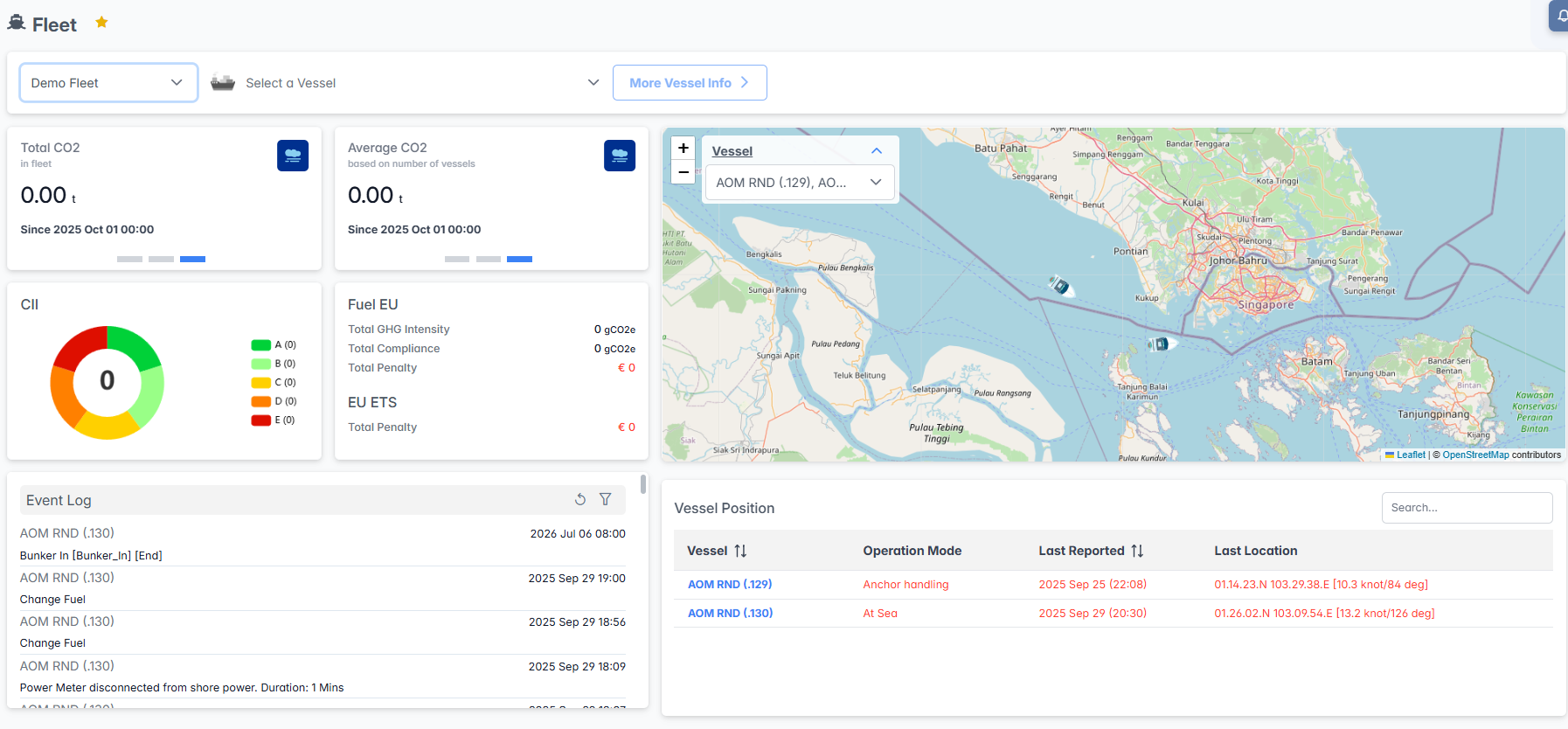
The Fleet Dashboard interface integrates vessel selection, consumption monitoring, compliance tracking, event logging, and real-time vessel positioning to provide complete fleet oversight. Users can monitor fleet-wide performance metrics, track individual vessel operations, and access detailed operational data for comprehensive fleet management.
Interface Components
Fleet Selection Panel
The top navigation panel provides fleet and vessel filtering capabilities:

- Fleet Selector: Choose the fleet to monitor from the dropdown
- Vessel Selector: The "More Vessel Info" button provides additional details based on the vessels selected here.
- More Vessel Info: Access additional vessel details and specifications through the dedicated button
Consumption Monitoring Cards
The dashboard displays key consumption and compliance metrics through dedicated cards:
Total Metrics Carousel
The dashboard includes a carousel that presents aggregated total metrics for all vessels in this fleet. All metrics are calculated starting from 00:00 of the current day.
Total Consumption Card
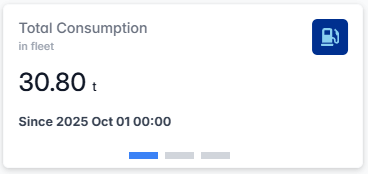
- Current Value: Real-time total fuel consumption (If KG, Will convert to Tonnes if over 10,000KG)
- Time Reference: Data calculated from 00:00 of the current day
Total Distance Card
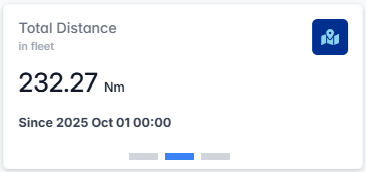
- Current Value: Total distance traveled by the fleet
- Time Reference: Data calculated from 00:00 of the current day
Total CO₂ Card
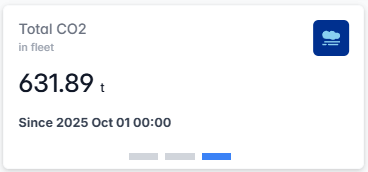
- Current Value: Total CO₂ emissions for the fleet (If KG, Will convert to Tonnes if over 10,000KG)
- Time Reference: Data calculated from 00:00 of the current day
The carousel allows users to quickly review and compare essential fleet metrics in a single, interactive component.
Average Metrics Carousel
The dashboard also features a carousel displaying average metrics per vessel, calculated based on the number of selected vessels. All averages are calculated from 00:00 of the current day.
Average Consumption Card
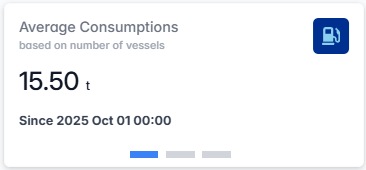
- Fleet Average: Average fuel consumption per vessel (If KG, Will convert to Tonnes if over 10,000KG)
- Calculation Basis: Based on the number of vessels in current fleet
- Time Reference: Data calculated from 00:00 of the current day
Average Distance Card
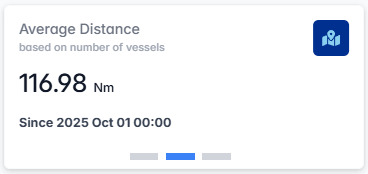
- Fleet Average: Average distance traveled per vessel
- Calculation Basis: Based on the number of vessels in current fleet
- Time Reference: Data calculated from 00:00 of the current day
Average CO₂ Card
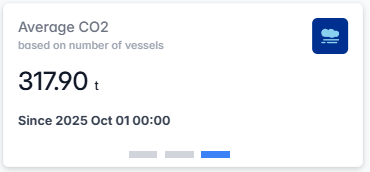
- Fleet Average: Average CO₂ emissions per vessel (If KG, Will convert to Tonnes if over 10,000KG)
- Calculation Basis: Based on the number of selected vessels in current fleet
- Time Reference: Data calculated from 00:00 of the current day
This carousel enables users to quickly assess average performance metrics across the fleet, supporting comparative and trend analysis.
Compliance and Emissions Monitoring
Event Log Panel
The Event Log provides real-time operational event monitoring:
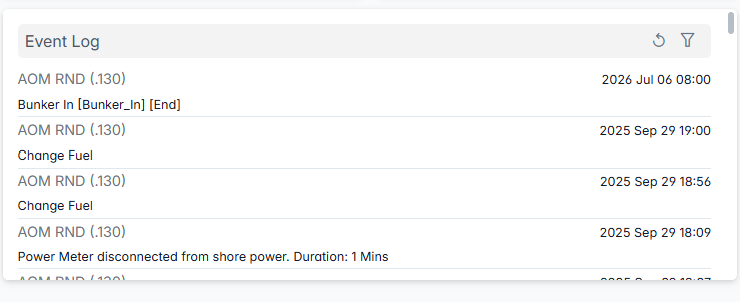
Event List Features:
- Vessel Name: Specific vessel identification
- Event Type: Operation category
- Timestamp: Precise event timing (format: YYYY MMM DD HH:MM)
- Real-time Updates: Continuous event stream for fleet-wide monitoring
- Event Filtering: Use filter and refresh icons for event management
Interactive Fleet Map
The right-side map provides geographical vessel tracking:
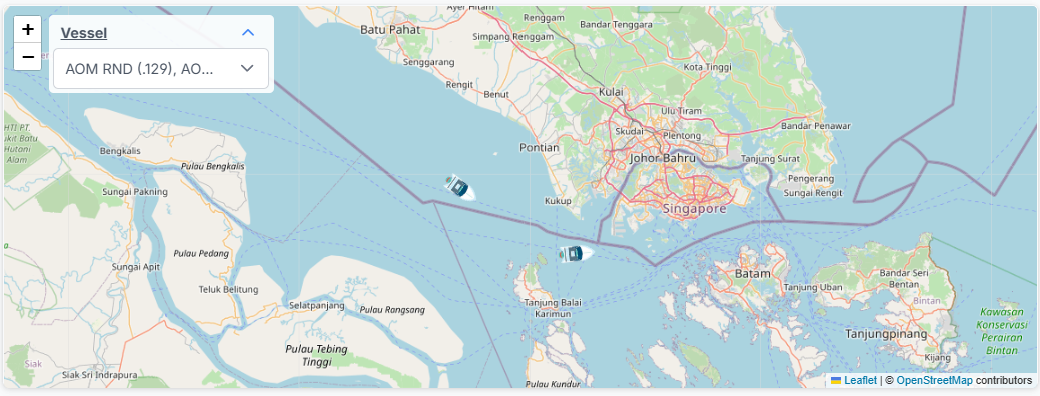
Map Features:
- Global Coverage: World map with vessel position indicators
- Vessel Markers: Blue ship icons showing real-time vessel locations
- Zoom Controls: "+" and "-" buttons for map navigation
- Vessel Selector: Dropdown menu for multiple vessel focus
- Interactive Navigation: Click and drag functionality for map exploration
- Real-time Positioning: Live updates of vessel movements and positions
Vessel Position Table
The bottom panel provides detailed vessel status information:
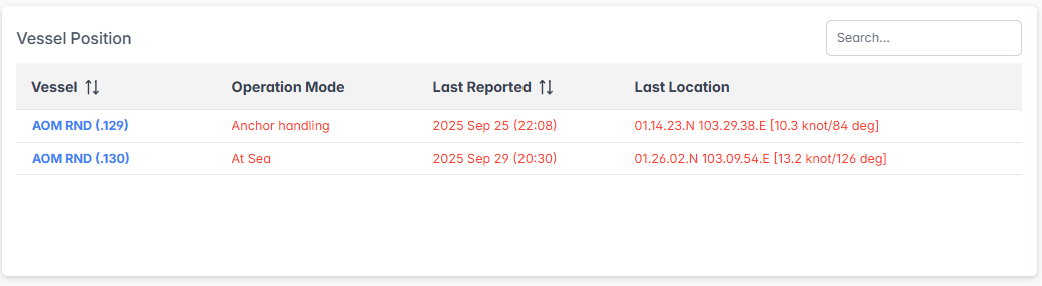
Table Columns:
- Vessel: Vessel name with sorting capability
- Operation Mode: Current operational status
- Last Reported: Most recent data transmission timestamp with sorting
- Last Location: Precise coordinates and navigational data:
- Latitude and longitude coordinates
- Speed and course information
Table Features:
- Sortable Columns: Click column headers to sort by vessel name, operation mode, or last reported time
- Search Functionality: "Search..." field for quick vessel search
- Real-time Updates: Automatic refresh of vessel positions and status
- Status Color Coding: Visual indicators show vessel operational status—black for online and red for offline—for quick assessment at a glance.
The Fleet Dashboard serves as the central command center for comprehensive fleet management, providing real-time oversight, performance monitoring, and operational coordination capabilities essential for efficient maritime operations.