Vessel Dashboard
The Vessel Dashboard provides comprehensive monitoring and analysis capabilities for individual vessels within the AOMP. This detailed interface allows users to monitor vessel performance, track fuel consumption, analyze environmental metrics, and review operational status through an integrated dashboard combining real-time data visualization and detailed performance analytics.
Overview
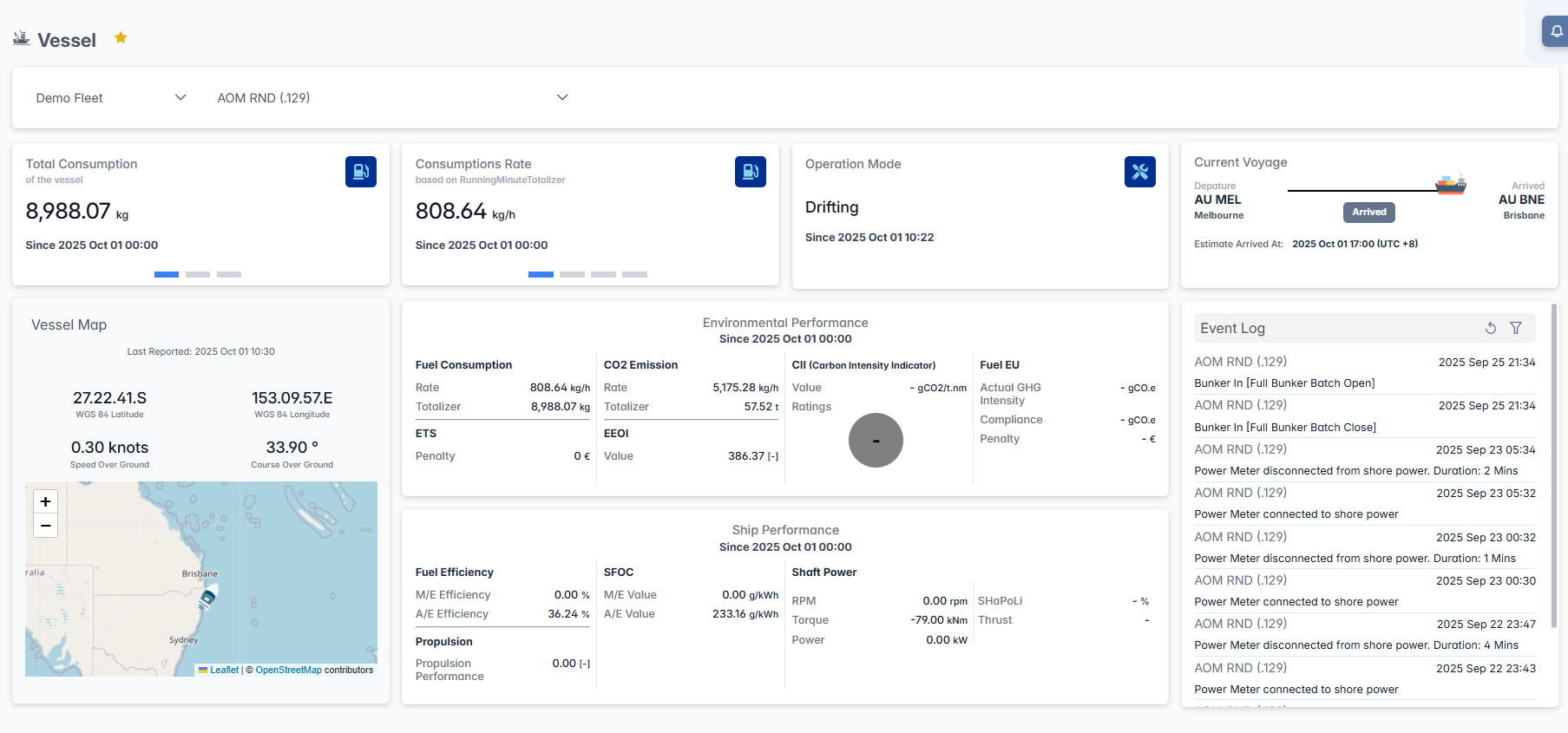
The Vessel Dashboard interface integrates vessel selection, consumption monitoring, operational status tracking, environmental performance analysis, and real-time event logging to provide complete individual vessel oversight. Users can monitor vessel-specific performance metrics, track operational efficiency, and access detailed analytics for comprehensive vessel management.
Interface Components
Vessel Selection Panel
The top navigation panel provides fleet and vessel selection capabilities:

- Fleet Selector: Choose the fleet from the dropdown menu
- Vessel Selector: Select specific vessel from the fleet
- Vessel Icon: Star indicator for favorite vessels
- Real-time Status: Current vessel operational status
Performance Monitoring Cards
The dashboard displays key performance and operational metrics through dedicated cards:
Performance Summary Carousel
The dashboard features a carousel displaying key cumulative metrics for the selected vessel:
Total Consumption Card
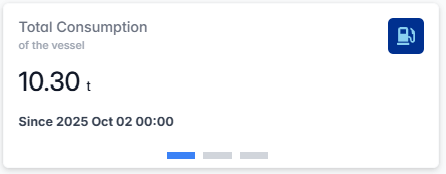
- Current Value: Real-time total fuel consumption for the current vessel (If KG, Will convert to Tonnes if over 10,000KG)
- Time Reference: Data calculated from 00:00 of the current day
Total Distance Card
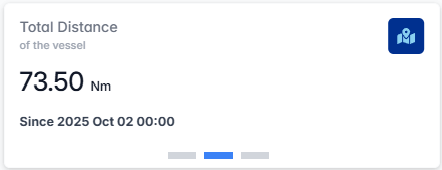
- Distance Covered: Total distance traveled by the vessel
- Time Reference: Data calculated from 00:00 of the current day
Total CO₂ Card
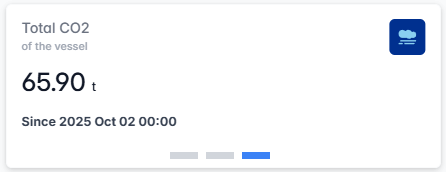
- CO₂ Emissions: Cumulative CO₂ emissions for the selected period (If KG, Will convert to Tonnes if over 10,000KG)
- Time Reference: Data calculated from 00:00 of the current day
The carousel allows users to quickly review these aggregated metrics for comprehensive voyage and environmental performance assessment.
Consumption Rate Card
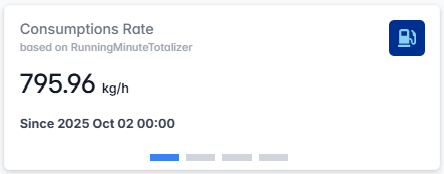
- Rate Display: Current fuel consumption rate based on RunningMinuteTotalizer
- Time Reference: Data calculated from 00:00 of the current day
Average Consumption Card
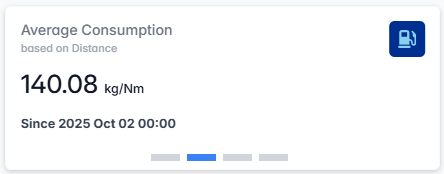
- Average Consumption: Calculated as total fuel consumed divided by distance traveled (If KG, Will convert to Tonnes if over 10,000KG)
- Time Reference: Data calculated from 00:00 of the current day
CO₂ Rate Card
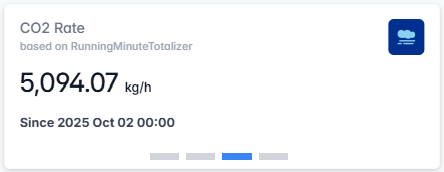
- CO₂ Rate: Real-time CO₂ emission rate based on RunningMinuteTotalizer
- Time Reference: Data calculated from 00:00 of the current day
Average CO₂ Card
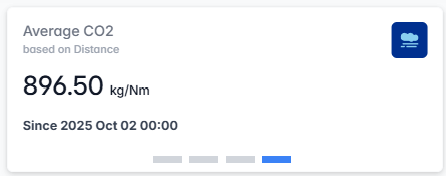
- Average CO₂ Emissions: Calculated as total CO₂ emitted divided by distance traveled (If KG, Will convert to Tonnes if over 10,000KG)
- Time Reference: Data calculated from 00:00 of the current day
Operation Mode Card

- Current Status: Vessel operational mode
- Status Duration: Time elapsed since the vessel entered the current operational mode
Current Voyage Card
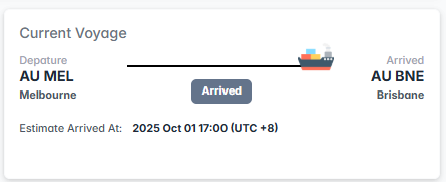
- Departure Information: Origin port
- Arrival Information: Destination port
- Voyage Status: Current stage with arrival indicator
- Estimated Arrival: Predicted arrival time
- Route Visualization: Graphical route representation
Vessel Position Map
The left-side panel provides geographical context and position tracking:
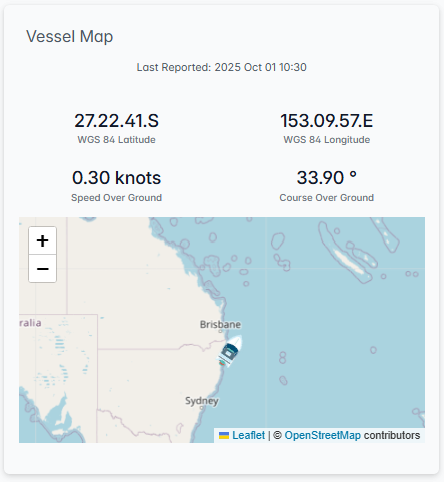
Map Features:
- Real-time Position: Current vessel location with coordinates
- Last Reported: Most recent position update
- Coordinates Display: Precise latitude and longitude
- Speed Information: Current speed over ground
- Course Data: Vessel heading
- Zoom Controls: "+" and "-" buttons for map navigation
Environmental Performance Panel
The central panel displays comprehensive environmental and efficiency metrics:
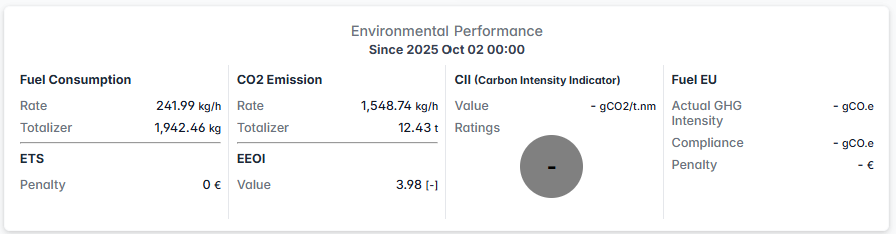
Fuel Consumption Metrics:
- Rate: Current consumption rate
- Totalizer: Cumulative consumption
CO2 Emission Tracking:
- Rate: Real-time CO2 emission rate
- Totalizer: Total CO2 emissions
CII (Carbon Intensity Indicator):
- Value: Current CII rating
- Ratings: Performance assessment scale
- Compliance Status: Regulatory compliance indicator
Fuel EU Compliance:
- Actual GHG Intensity: Real-time greenhouse gas intensity
- Compliance: Current compliance status
- Penalty: Associated penalties
ETS (Emissions Trading System):
- Penalty: Current ETS penalties
EEOI (Energy Efficiency Operational Indicator):
- Value: Current EEOI measurement
Ship Performance Metrics
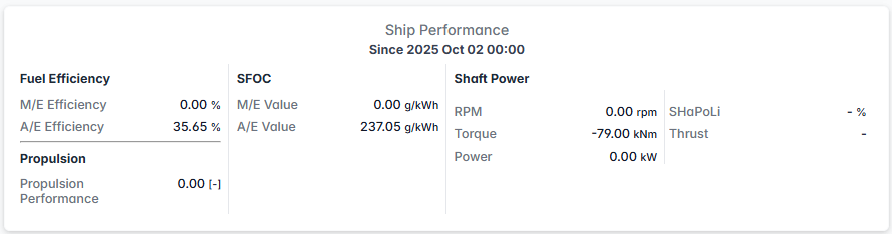
Fuel Efficiency:
- M/E Efficiency: Main engine efficiency
- A/E Efficiency: Auxiliary engine efficiency
SFOC (Specific Fuel Oil Consumption):
- M/E Value: Main engine SFOC
- A/E Value: Auxiliary engine SFOC
Shaft Power:
- RPM: Engine revolutions per minute
- Torque: Engine torque measurement
- Power: Engine power output
Propulsion Performance:
- Propulsion Performance: Overall propulsion efficiency
Event Log Panel
The right-side panel provides real-time operational event monitoring:
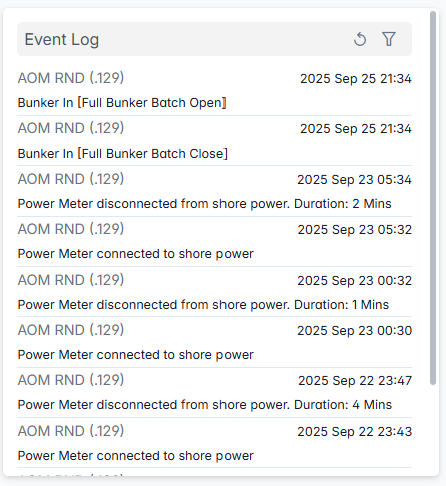
Event Features:
- Vessel Identification: Specific vessel events
- Event Types: Various operational events
- Precise Timestamps: Exact event timing (format: YYYY MMM DD HH:MM)
- Real-time Updates: Continuous event stream monitoring
- Filter Controls: Refresh and filter icons for event management
The Vessel Dashboard serves as the comprehensive monitoring center for individual vessel operations, providing real-time oversight, performance analysis, and operational coordination capabilities essential for efficient vessel management and compliance.